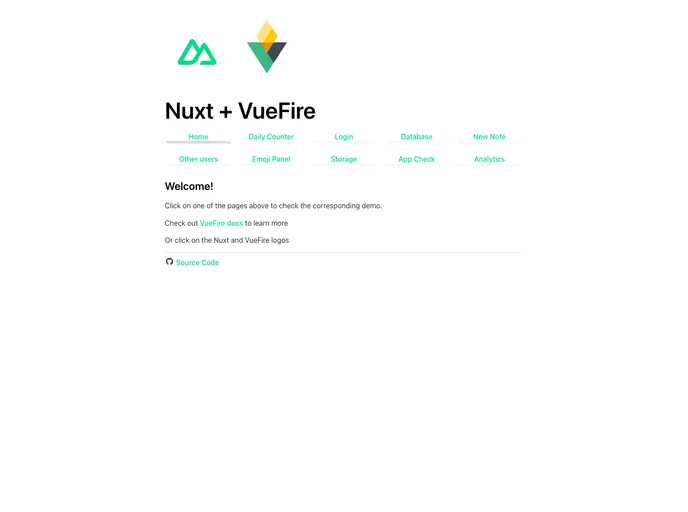
Overview
The Nuxt + VueFire Template is a preconfigured template that combines the Nuxt framework with VueFire to simplify the process of starting a project using Firebase. It is designed to work with the Free Spark Plan on Firebase. This template provides a convenient setup for developers to quickly get started with Firebase and take advantage of its various features.
Features
- Integration with Firebase using VueFire
- Support for Firestore, Realtime Database, and Storage
- Authentication functionality
- Server-side rendering (SSR) capabilities
- Git version control for easy tracking of changes
- Firebase Emulators for local testing
- App Check feature for enhanced security
Installation
- Install the Firebase Tools CLI globally by running the following command:
npm i -g firebase-tools. - Clone the Nuxt + VueFire Template using git:
git clone [template-url]. - Install project dependencies using pnpm:
pnpm install. - Create a Firebase project in the Firebase console.
- Activate the desired Firebase features for your project (Firestore, Authentication, Realtime Database, Storage).
- Create a Firebase application in the project overview to obtain the firebaseConfig object. Replace the content of vuefire.config in nuxt.config.ts with the firebaseConfig.
- Run
firebase init at the root of your project to initialize Firebase. Make sure to select the desired features and adjust the deployed folder to .output/public. - If using GitHub actions for deployment, enable it during the Firebase initialization process. Otherwise, remove the .github/workflows folder.
- Create the .env file from the provided example.
- Clean up any unnecessary files specific to the features you are not using (e.g., database.rules.json for Realtime Database).
- If not using a Service Account file, turn off SSR in nuxt.config.ts and remove the line
GOOGLE_APPLICATION_CREDENTIALS=./service-account.json from .env. - If not using App Check, delete the vuefire.appCheck object from nuxt.config.ts and remove the
FIREBASE_APPCHECK_DEBUG_TOKEN value from .env.
Summary
The Nuxt + VueFire Template is a convenient starting point for developing applications with Firebase using the Nuxt framework. It provides an easy way to set up Firebase integration, including features like Firestore, Authentication, Realtime Database, and Storage. With additional capabilities such as server-side rendering, Git version control, and local testing with Firebase Emulators, this template offers a comprehensive solution for building Firebase-powered applications.