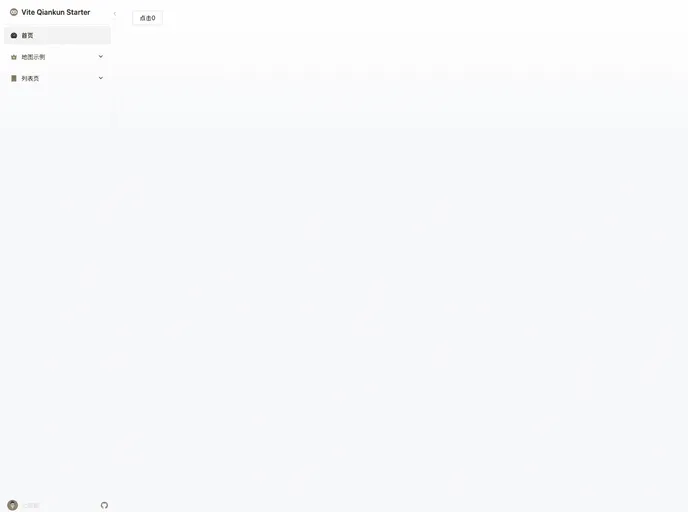
Vite + Qiankun + React + Vue
This project is using pnpm as the package management tool and follows a commonly used command deployment scheme. After compilation, the root directory contains the compiled results of the base project, while the compiled results of each sub-project are placed in directories named after the respective sub-project (e.g., “sub-project1”). Additionally, an Nginx server is started with the following core configuration.
To install the theme for this project, you can follow these steps:
Install pnpm globally by running the following command:
npm install -g pnpm
Clone the project repository to your desired directory:
git clone <repository_url>
Navigate to the project root directory:
cd <project_directory>
Install project dependencies using pnpm:
pnpm install
Start the Nginx server with the core configuration mentioned above.
After deployment, ensure that the sub-projects’ naming and directory structure are consistent to avoid any lifecycle export issues.
This project utilizes pnpm as the package management tool and follows a command deployment scheme. It also includes features such as sub-project compilation and an Nginx server for serving the project. Additionally, it provides solutions for common issues related to React.lazy component hot reloading and lifecycle export problems in the deployed sub-projects.

