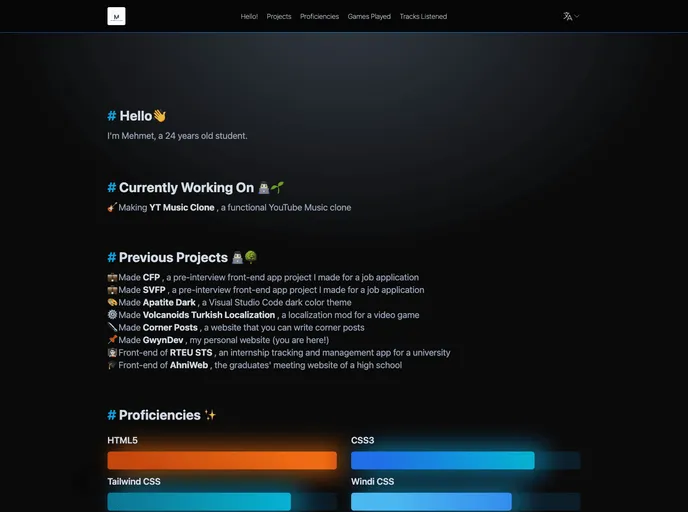
A simple website where you can share your projects and activities.
This article is about a multilingual personal website with a progressive web app that allows users to share their projects and latest activities. The website is built using Nuxt 3 & WindiCSS.
To install the theme, follow these steps:
To create the environment variables, create a .env file in the root directory of the project (where app.vue is located) and add the necessary variables. The variables include:
Once the .env file is set up, the project can be run using the development server on http://localhost:3000. For production build, the application needs to be built and locally previewed. Deployment instructions can be found in the Nuxt deployment documentation.
This article provides a guide on how to install and set up a multilingual personal website with a progressive web app using Nuxt 3 & WindiCSS. It includes instructions on cloning the repository, installing dependencies, and creating environment variables. The article also mentions the option for building the application for production and provides a link to the Nuxt deployment documentation for further deployment instructions.

