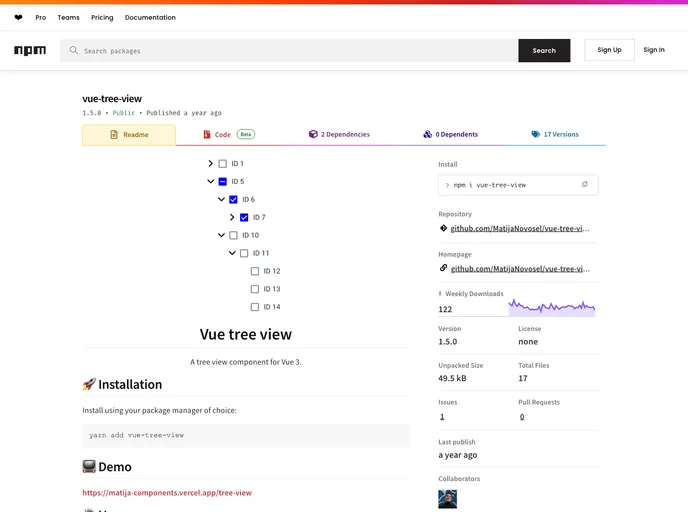
A tree view component for Vue 3.
Overview
The tree view component is an invaluable tool for organizing and displaying complex hierarchical data in a user-friendly format. It allows users to navigate through various items in a visually appealing tree structure, making it easier to manage data with nested relationships. With its versatile features, this component caters to different usage scenarios, whether you’re going for a compact layout or need enhanced interactivity.
Whether you’re developing a web app with extensive datasets or simply need a streamlined way to visualize categories and items, this tree view component offers a flexible solution. Its ease of installation and clear customization options allow for quick integration into any project.
Features
- Standard two-way input (v-model): Allows easy binding with an array of numerical values for interactive data representation.
- Compact design (dense): Changes the layout to a denser format, saving space without losing functionality.
- Open all nodes (open-all): Option to automatically expand all nodes when the component is loaded for immediate visibility.
- Interactivity control (disabled): Disables user interaction, making it useful for displaying static data.
- Node selection (selectable): Enables users to select nodes, enhancing the user experience during data navigation.
- Radio button selection (radio): Offers an alternative selection mechanism using radio buttons instead of checkboxes, for a different user interaction approach.
- Prevent node opening (unopenable): Restricts users from expanding or collapsing nodes, useful for maintaining a simplified view.
- Flexible selection modes (selection-mode): Provides options for independent selection or leaf selection, accommodating various user needs and preferences.