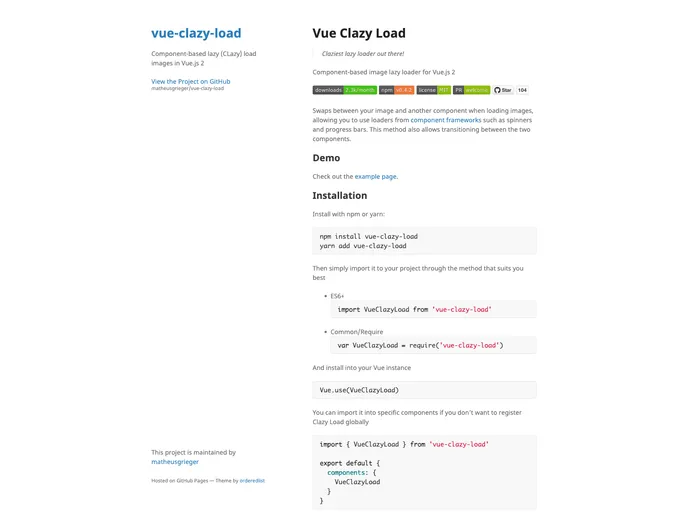
Component-based lazy (CLazy) load images in Vue.js 2
Vue Clazy Load is an innovative and efficient lazy loader specifically designed for Vue.js 2 applications. It optimizes image loading by only rendering images when they are about to enter the viewport, which significantly enhances page performance and user experience. Whether you’re building a component-based app or simply looking to add a lazy loading feature to your website, Clazy Load seamlessly integrates to improve how images are handled during loading.
This component-based lazy loader not only swaps between images and placeholder components but also supports loaders such as spinners and progress bars. Its straightforward integration and ease of use make it a great choice for anyone looking to improve their app’s loading efficiency.
Efficient Image Loading: Swaps between the image and components like spinners during loading, ensuring improved visual feedback for users.
Simple Installation: Can be installed via npm or yarn, and easily imported into your Vue project, whether globally or in specific components.
Automatic Configuration: Works without additional JavaScript configuration; just provide basic HTML markup along with the required src prop for the image.
Intersection Observer API: Utilizes the Intersection Observer for detecting element visibility in the viewport, enhancing performance and eliminating the need for custom solutions.
Flexible Prop Options: Offers various props like tag, threshold, and crossorigin, allowing customization based on specific use cases.
Error Handling: Built-in event handling for loading and error states, providing better control over how your app responds to image loading issues.
Support for Polyfills: While the Intersection Observer API is modern, polyfills are available for compatibility with older browsers, ensuring a wider reach for your application.
Class Management: Automatically adds predefined classes for loading and loaded states, simplifying style management.

