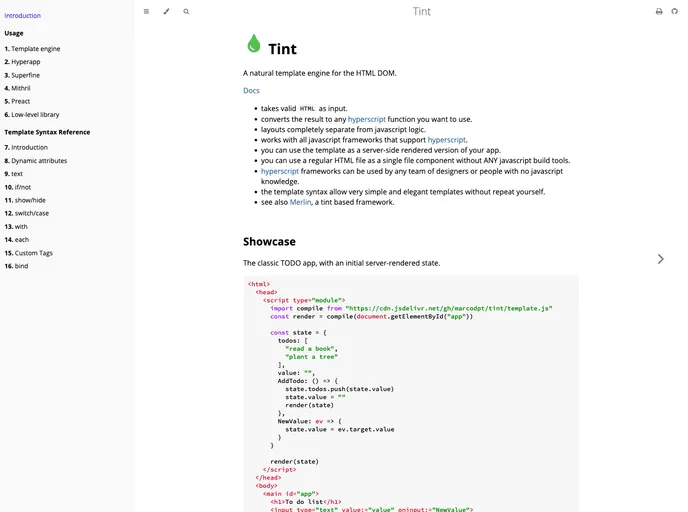
A natural template engine for the HTML DOM
Tint is a natural template engine for the HTML DOM that allows you to create elegant and simple templates without repeating code. It takes valid HTML as input and converts it to any hyperscript function you want to use. The layout is completely separate from the JavaScript logic, making it compatible with all JavaScript frameworks that support hyperscript. This template engine can be used as a server-side rendered version of your app, and it even allows you to use a regular HTML file as a single file component without any JavaScript build tools. Tint is designed to be accessible to designers and people with no JavaScript knowledge, providing them with a simple and productive way to create templates.
To install Tint, follow these steps:
npm install tint-template-engineimport tint from 'tint-template-engine'const template = tint.compile('<div>Hello Tint!</div>');const result = template();Tint is a powerful template engine for the HTML DOM that provides a simple and elegant way to create templates without repeating code. It separates layout from JavaScript logic and can be used with any JavaScript framework that supports hyperscript. With Tint, designers and non-JavaScript users can be productive and create templates using a regular HTML file as a single file component without the need for JavaScript build tools. Its ease of use and compatibility with various frameworks make it a valuable tool for creating server-side rendered apps.

