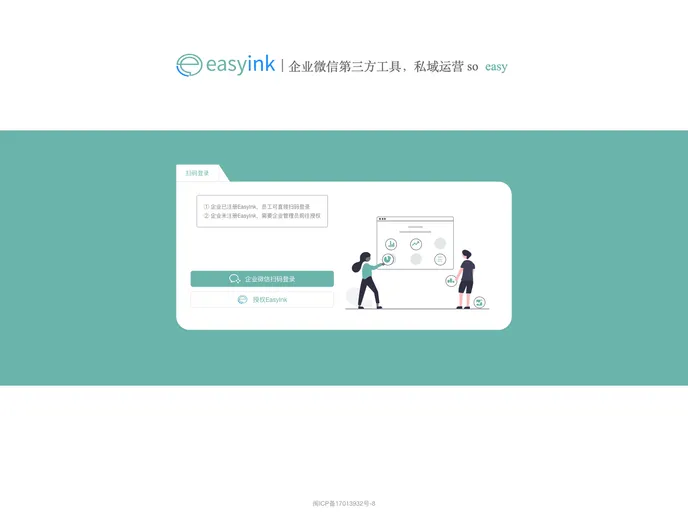
easyink的前端服务之一,基于Vue、Element-UI开发的企业微信一站式私域流量运营管理平台,让操作更简单。
Easyink presents itself as a robust solution for managing various enterprise functionalities through its front-end module. This project encapsulates the management of the back-end UI interface, allowing users to handle essential settings, content management, and operational features seamlessly. If you’re looking for a user-friendly interface that integrates multiple functionalities and offers customization options, Easyink might just be the tool you need.
With built-in support for a variety of components and themes, it speaks to both developers and users who desire flexibility in their workflow. The interface is designed to function effectively across various roles within an organization, ensuring that access and functionalities are tailored to meet the unique needs of diverse users.
Intuitive UI: The Easyink front-end provides a clean and organized interface for managing base settings and content, ensuring that users can find what they need quickly.
Role-Based Access Control: The system intelligently applies permissions based on user roles, offering a secure experience tailored to individual responsibilities.
Theme Customization: Supports various skin colors for components, enabling users to personalize their interface according to preference or branding.
Integrated Documentation: Automatically generated documentation for public components facilitates a smoother onboarding process and serves as a helpful reference for developers.
Icon Library Source: Utilizes an icon library for system icons, allowing for easy addition of custom icons to enhance the visual representation of functionalities.
Multi-Tenant Access: Provides the ability to experience the system in both single and multi-tenant modes, broadening its accessibility for different organizational structures.
Comprehensive Tech Stack: Built using Vue, Element UI, and Sass, it ensures a modern development experience with support for ES6 standards.
Local Development Ready: Offers instructions for local setup, making it convenient for developers to start exploring and utilizing the framework with just a few simple commands.

