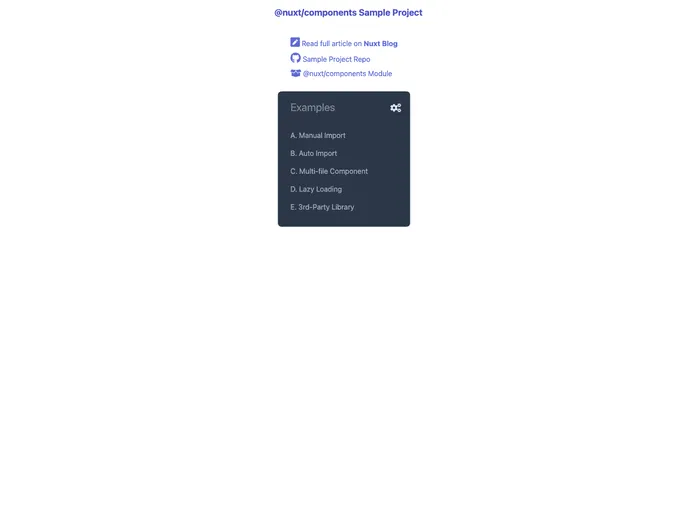
Nuxt Components Demo screenshot

Nuxt Components Demo

Author Avatar Theme by Krutie
Updated: 19 Aug 2020
15 Stars

An example Nuxt project for @nuxt/components module demo

Categories

Overview:

The nuxt-components-example is a module example for Nuxt component. It provides a convenient way to build and organize components in a Nuxt.js project.

Features:

  • Modular Approach: The module follows a modular approach, allowing developers to easily organize and manage components within their Nuxt.js project.
  • Component Reusability: The module promotes component reusability, enabling developers to create reusable components that can be utilized across different parts of the project.
  • Code Organization: The module facilitates better code organization by providing a structured way to categorize and store components.

Installation:

To install the nuxt-components-example in your Nuxt.js project, follow these steps:

  1. Open your project directory in the terminal.
  2. Run the following command to install the module:
npm install nuxt-components-example
  1. Once the installation is complete, import the module in your Nuxt.js configuration file (nuxt.config.js):
modules: [
  'nuxt-components-example'
],
  1. Save the changes and restart your Nuxt.js development server.

Summary:

The nuxt-components-example is a module that provides a modular approach to organizing and managing components in a Nuxt.js project. It promotes component reusability and facilitates better code organization. The installation process is simple and can be done by adding the module to the project’s configuration file.
