Vue component, that helps to make sticky effects
The vue-sticker component is an innovative tool designed to help developers create a sticky effect within their Vue.js applications. Its versatility and ease of use make it a great addition for developers looking to enhance the user experience. By enabling custom styling and functionality, the vue-sticker allows for interactive and visually appealing stickers that can grab user attention without compromising on design.
Integrating vue-sticker into your projects is straightforward, whether you choose to use it locally or globally. With robust features tailored to cater various needs—like accessibility and customizable appearances—this component sets a new standard for how sticky elements can be implemented in web applications.
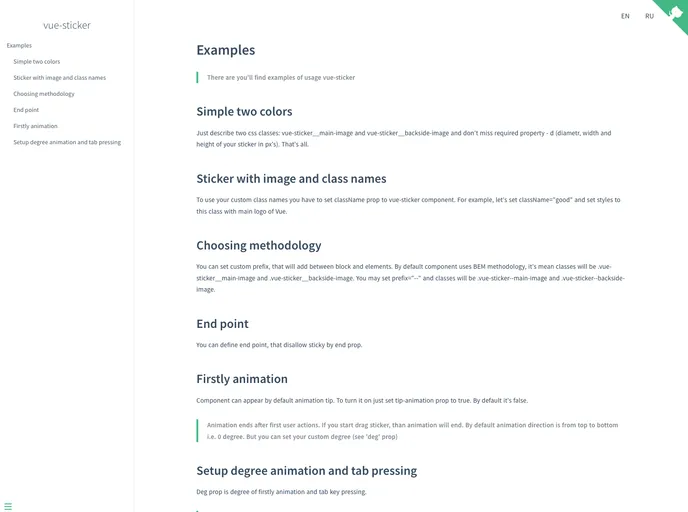
Diameter Prop: The d prop allows you to specify the diameter of your sticker, providing control over its size with a simple numeric input.
Custom Class Names: The className prop lets you input a custom styling class to tailor the appearance of your sticker, making it easier to integrate with your project’s design.
Prefix for Class Names: The prefix prop assists in maintaining consistent styling methodologies by allowing you to customize the naming convention for styles applied to the sticker.
Adjustable Sticky End Point: The end prop defines the endpoint of the sticky behavior, enabling more precise control over when the sticker becomes unsticky based on its size.
Accessibility Features: The deg prop helps establish accessibility by determining the degree of activation for the sticker using the Enter key, ensuring ease of use for all users.
Animation Control: The tipAnimation prop provides the option to turn on or off an initial animation that indicates the sticker’s ability to become sticky, adding a delightful visual cue.
Event Handling: The component generates a getPercent event that signals the completion percentage of the stickiness, allowing developers to easily handle interactions and customize behaviors based on user scrolling.

