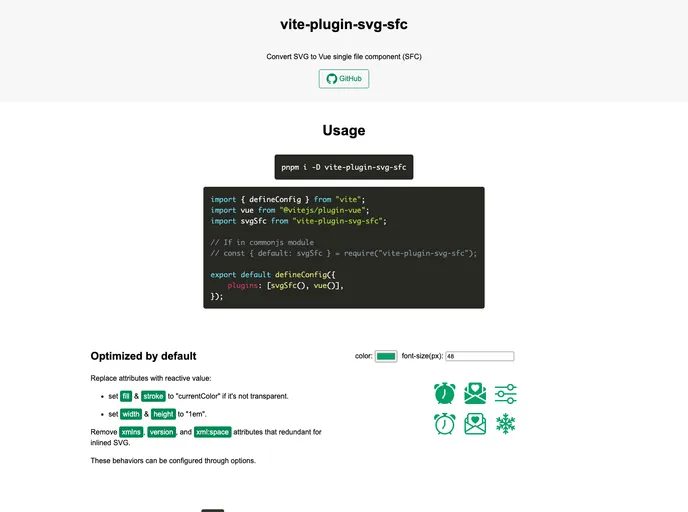
Vite plugin to load SVG files as vue SFC, supports HMR & <style> block
The vite-plugin-svg-sfc is an essential tool for developers looking to seamlessly integrate SVGs into Vue applications as single file components (SFC). This plugin enhances the functionality and performance of working with SVGs, making it easier to handle styling, reactivity, and component organization. With its support for features like hot module replacement and SVG optimization, it is a must-have for any Vue developer focusing on building modern and interactive applications.
Leveraging this plugin allows for a more efficient workflow, especially when building component libraries or managing a large number of SVG assets. The combination of versatile configuration options and an easy installation process makes it a standout choice for integrating SVGs into your projects.
Scoped Styles Extraction: Automatically extracts <style> tags from SVG files and applies them to a scoped SFC style block, ensuring no style conflicts occur within your Vue components.
Hot Module Replacement: Enjoy a smoother development experience with the support for hot module replacement, allowing updates to be reflected instantly without losing the application state.
Custom Import Marks: Supports custom import marks for SVG files, providing flexibility in how components are structured and used within your application.
SVGO Minification: Integrates SVGO for intelligent minification of SVG files with sensible defaults, helping to ensure optimized file size and performance in production.
Responsive SVG Attributes: Offers options to replace specific SVG attributes with reactive values, making it easier to adapt SVGs based on application state, such as setting width and height to “1em”.
Unique IDs: Allows for generating unique IDs for elements within the SVG, a crucial feature for linking elements by ID, especially in complex SVG graphics.
Comprehensive Configuration Options: Users can customize various aspects of the plugin’s behavior, such as minification types, style extraction, and the use of external SVGO configurations tailored to specific project needs.
TypeScript Support: Easily integrate with TypeScript projects by including the appropriate declaration files, enhancing type safety and development efficiency.

