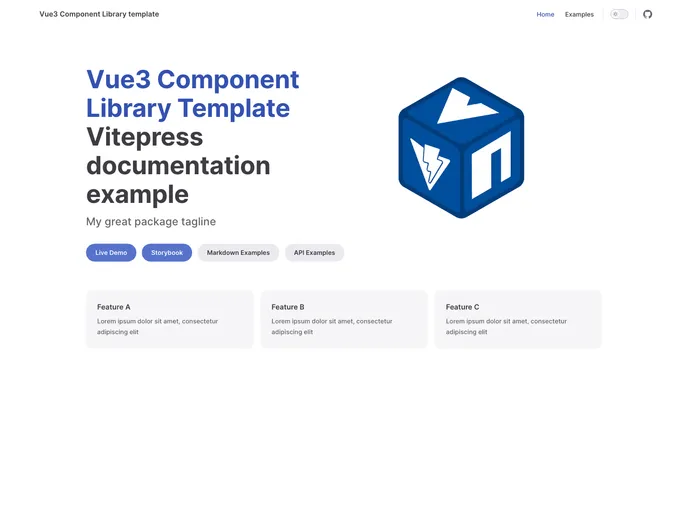
Vue3 based component library template with Workflows, Vitepress, live-demo, README template, publishing guide.
Overview
If you’re looking to streamline your development process using Vue.js, Vite, and GitHub Actions, this setup guide provides a comprehensive framework to get you started. This README file serves not just as an instruction manual, but also as a customizable template to adapt to your project’s specific needs. Whether you’re setting up your own plugin or implementing automation features, this guide is essential for optimizing your workflow.
The project integrates various aspects such as local testing, NPM publishing, and repository management, making it an excellent choice for developers who want to enhance their productivity and code quality. By following the included steps and utilizing the automation tools available, you can ensure a seamless experience from development to deployment.
Features
- Project Setup: Easily change your package name within the package.json and vite.config.ts files to tailor the project to your needs.
- Plugin Development: Initiate your plugin creation directly in the src/myComponentLibrary folder, allowing customization of both folder and entry file names.
- Changeset Bot Integration: Streamline version control and updates with the Changeset Bot, ensuring your project stays aligned with best practices.
- GitHub Pages Deployment: Showcase your live demo by enabling GitHub Pages, complete with a separate ‘gh-pages’ branch for deployment.
- Branch Protection Rules: Strengthen your repository’s security with branch protection rules, encouraging code reviews before merging changes.
- Code Ownership Management: Assign team members as code owners to facilitate collaboration and maintain accountability within the project.
- Local Testing: Test your package seamlessly with npm link to ensure that updates reflect in your project dynamically before publication.
- NPM Publishing Made Easy: Publish your project to NPM with a straightforward process, ensuring version numbers comply with semantic versioning standards.
This setup guide equips developers with the tools needed for efficient project management and fosters a collaborative environment through its detailed instructions and features.