A Vue3-typescript plugin that allows you to change DaisyUI themes during runtime. As well as, setting default light and dark themes, and matching the system theme.
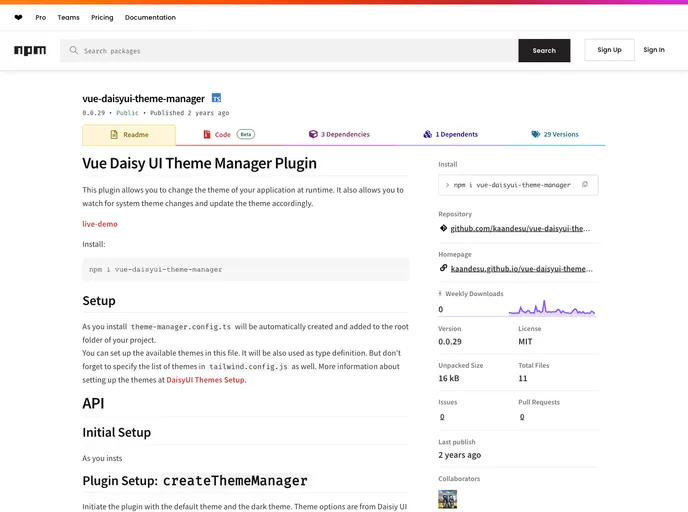
The Vue Daisy UI Theme Manager Plugin is a plugin that allows users to change the theme of their application at runtime. It also provides the ability to watch for system theme changes and automatically update the theme accordingly. This plugin can be easily installed and set up in any Vue project.
To install the Vue Daisy UI Theme Manager Plugin, follow these steps:
Install the plugin via npm or yarn:
npm install vue-daisy-ui-theme-manager
yarn add vue-daisy-ui-theme-manager
After installation, a theme-manager.config.ts file will be created in the root folder of your project. This file will be used to define the available themes. Make sure to also specify the list of themes in tailwind.config.js.
Use the createThemeManager method to initiate the plugin with the default theme and the dark theme. You can choose from the built-in DaisyUI themes or create custom themes.
In the main.ts file of your Vue project, import and use the useThemeManager function to access the theme manager methods.
You can now use the various theme manager methods like set, get, toggleDark, etc. to control the application’s theme.
The Vue Daisy UI Theme Manager Plugin provides a convenient way to dynamically change the theme of a Vue application. It offers features like runtime theme switching and system theme integration. By following the installation steps, developers can easily set up and customize the available themes for their projects. With its user-friendly API, this plugin is a great addition for Vue developers looking to enhance the UI experience of their applications.

