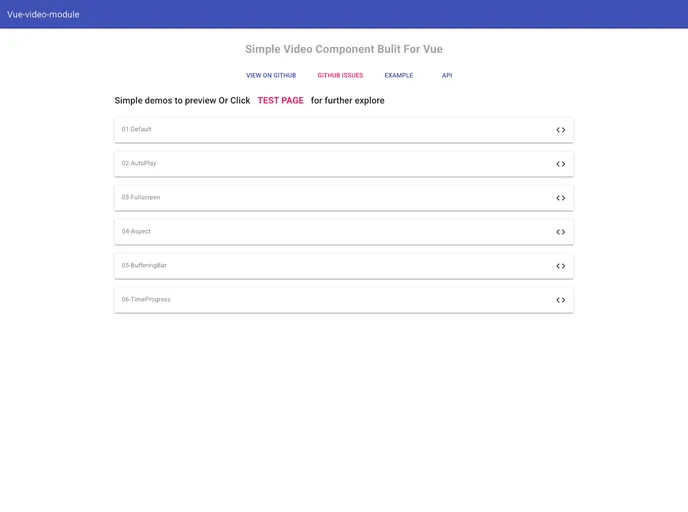
Vue Video Module screenshot

Vue Video Module

Author Avatar Theme by Iapyang
Updated: 24 Nov 2017
18 Stars

a video component built for vue

Overview

The vue-video-module is an excellent solution for developers looking to incorporate video components seamlessly into their Vue applications. This component is designed to be simple and efficient, ensuring compatibility across a wide range of browsers including Internet Explorer 11+, Chrome, Firefox, and even on mobile devices. Whether you are building a small project or a larger, more complex application, this video module provides a flexible framework to suit your needs.

One of the standout features of the vue-video-module is its ability to be customized thoroughly through its API. Users can define properties to tailor the video experience, ensuring that it fits perfectly with their application’s design and functionality. Despite a few warnings for specific users, the benefits of this module far outweigh the drawbacks, making it a valuable tool for any Vue developer.

Features

  • Cross-Browser Compatibility: Works flawlessly on IE 11+, Chrome, Firefox, and is mobile-friendly, ensuring a wide reach for viewers.
  • Customizable Props: Offers various properties like src, poster, and autoPlay for deep customization of your video component.

  • Control Bar Options: Control visibility of the video control bar and buttons, such as play, pause, and fullscreen options, to enhance user interaction.
  • Loading Styles: You can define how loading states appear with customizable styles, allowing for a smoother user experience.
  • Responsive Design: Easily define aspect ratios with width and height properties to maintain video quality across different screen sizes.
  • Playlists and Looping: Ideal for scenarios where videos need to loop or auto-play, making it perfect for presentations or ads.
  • Unified Package Management: Simple to install via npm, ensuring that managing dependencies remains hassle-free.
  • State Management: Provides options to show buffering states and manage video controls effectively, enhancing the overall viewing experience.