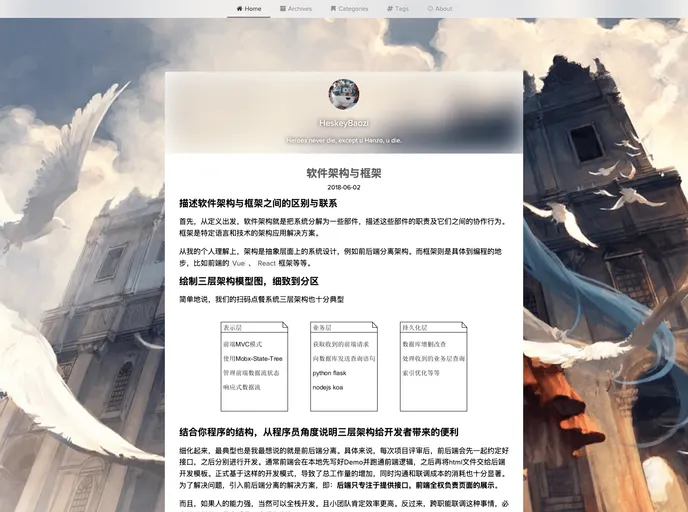
Keep Calm, Light and Writing. Light Hexo Theme.
Hexo Theme Lite is a lightweight single-page blog theme built using Vue, Vuex, and ElementUI. It provides a clean and minimalist design for blogging applications. The theme offers various customization options and features, including avatar customization, theme filters, background pictures, post excerpts, top menu items, social links, and more. It also integrates Gitment for comments system and supports Google Analytics.
To install the Hexo Theme Lite, follow the steps below:
git clone command.__config.yml file in your root directory and modify the theme field to lite.Hexo Theme Lite is a lightweight blog theme built with Vue, Vuex, and ElementUI. It offers various customization options for avatar, theme filters, background pictures, and more. The theme integrates Gitment for comments system and supports Google Analytics. It provides a clean and minimalist design for single-page blog applications. Follow the installation guide to set up the theme and start customizing your blog.

