Overview
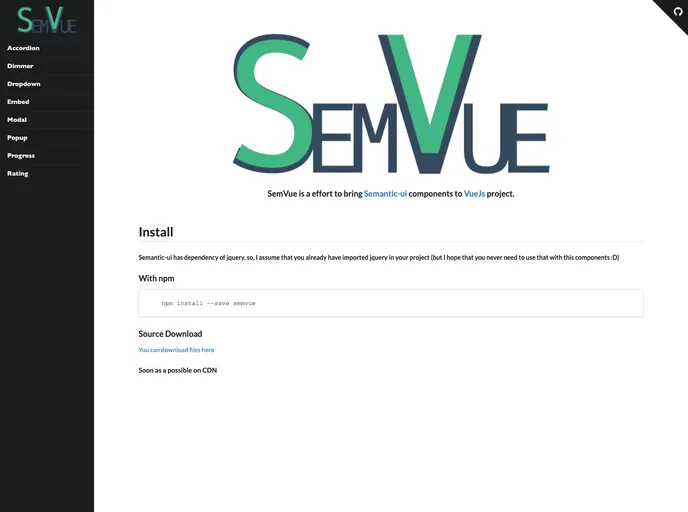
If you’re looking to enhance your Vue.js project with stylish and functional UI components, incorporating Semantic UI can offer a wide array of options. With various modules available, developers can easily implement advanced features that elevate the overall user experience. Semantic UI’s straightforward syntax allows for efficient integration and customization, making it a popular choice for many web projects.
By importing specific components directly into your Vue files, you save time while enhancing your application’s functionality. This flexibility allows you to mix and match numerous elements to create a seamless, interactive interface.
Features
- Accordion: Offers collapsible content panels that allow users to expand and collapse sections for better organization of information.
- Dimmer: A versatile component that enables overlay effects, useful for focusing attention on specific parts of your UI.
- Dropdown: Provides a clean and user-friendly dropdown functionality, ideal for selecting options without cluttering the interface.
- Modal: Allows you to create modal dialogs that can display information or gather user input without navigating away from the current page.
- Popup: Adds tooltips or additional information when hovering over elements, enhancing usability and accessibility.
- Progress: Easily visualize progress bars or indicators to show users the status of ongoing tasks or uploads.
- Rating: A straightforward way to gather user feedback through star ratings or similar metrics.
- Sticky: Keeps elements fixed in place while scrolling, useful for navigation menus or important notices that should always be visible.