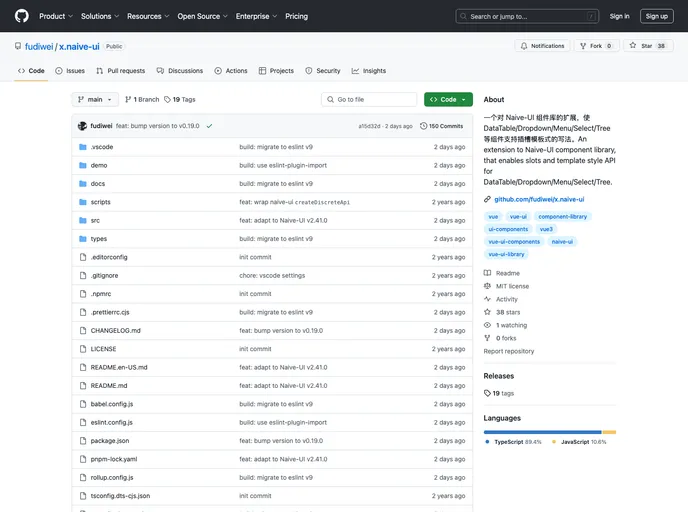
一个对 Naive-UI 组件库的扩展,使 DataTable/Dropdown/Menu/Select/Tree 等组件支持插槽模板式的写法。An extension to Naive-UI component library, that enables slots and template style API for DataTable/Dropdown/Menu/Select/Tree.
Naive-UI is a popular Vue 3 component library designed with a focus on maintainability. It offers a wide range of components tailored for various needs in modern web applications. Although the official team has chosen not to support Slot or Template-style writing for several components like DataTable, Dropdown, and Menu, a new project aims to provide effective solutions to these limitations, aligning closely with the existing Naive-UI API.
This project enhances existing components by adding necessary support for slots, enabling developers to create more customizable and flexible applications. With its recent updates, it presents an ideal choice for developers looking to integrate well-structured components with comprehensive TypeScript support.
Enhanced DataTable Support: Offers column header, cell, and expanded row scope slot writing support, making it more versatile for complex data presentations.
Template Writing for DataTable: Allows the definition of columns and summary props directly in the template, simplifying the setup process for tables.
Dropdown Customization: Enables scoped slots for menu items and icons, along with template capabilities for menu item groups, facilitating dynamic user interfaces.
Menu Flexibility: Supports both template style and scoped slot writing for menu items, allowing for advanced menu configurations.
Select Options Handling: Provides scoped slot and template support for options and option groups, making selection UI more customizable.
Popselect Capability: Similar to Select, Popselect allows scoped slots for its options, providing flexibility in how choices are displayed to the user.
Cascader and Tree Components: Both of these components support scoped slots for optional items, enhancing how hierarchical data can be presented.
Button Style Adjustments: Implements a unique style when only an icon is present, displaying as a square, which can help maintain a consistent UI appearance.

