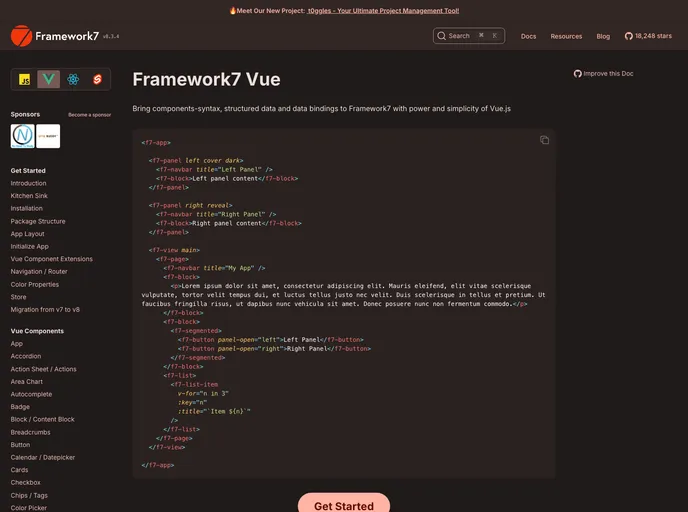
Framework7 Template Vue Webpack screenshot

Framework7 Template Vue Webpack

Author Avatar Theme by Framework7io
Updated: 7 Oct 2019
380 Stars

Deprecated! Framework7 Vue Webpack starter app template with hot-reload & css extraction

Categories

Overview:

This repository is deprecated and no longer maintained. It is recommended to use Framework7-CLI instead. The repo provides a full-featured Framework7 Vue with Webpack setup, including features such as hot-reload and CSS extraction. It is based on the Vue Webpack Boilerplate.

Features:

  • Full-featured Framework7 Vue with Webpack setup
  • Hot-reload for quick development
  • CSS extraction for optimized performance

Installation:

  1. Download this repository and place it in the “my-app/” folder.
  2. Install dependencies by navigating to the downloaded repository folder and running the following command:
    npm install
    
    This will download the latest versions of Framework7, Framework7-Vue, Vue, and the required icon fonts to the “/src/fonts/” directory.
  3. To run the app, open it in a browser at http://localhost:8080/ by running the following command:
    npm run dev
    
  4. To build the app for production, run the following command:
    npm run build
    
    The output will be located in the “www/” folder.

Summary:

This repository provides a deprecated Framework7 Vue with Webpack setup for building web applications. It offers features such as hot-reload and CSS extraction for optimized development and performance. However, it is no longer maintained and it is recommended to use Framework7-CLI for new projects.
