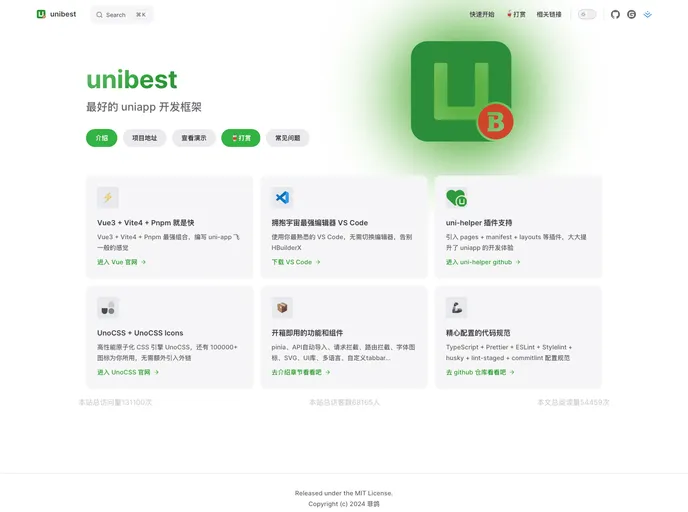
unibest - 最好用的 uniapp 开发框架。unibest 是由 uniapp + Vue3 + Ts + Vite4 + UnoCss + UniUI 驱动的跨端快速启动模板,使用 VS Code 开发,具有代码提示、自动格式化、统一配置、代码片段等功能,同时内置了大量平时开发常用的基本组件,开箱即用,让你编写 uniapp 拥有 best 体验。
The vue3-uniapp-template is a high-performance template for Vue 3, featuring Vite, pnpm, and esbuild. It offers various features such as automated component loading, a multi-platform persistence solution using pinia, a flexible CSS engine called UnoCSS, and a wide range of icons. It also supports the new <script setup> syntax, automatic API loading using the Composition API, TypeScript, ESLint, and stylelint for code quality, as well as tools for code formatting and organization. Additionally, it provides features like request interception, image compression, and separate configuration for different environments.
<script setup> syntax: Supports the new syntax for easier coding.To install the vue3-uniapp-template, you can use one of the following methods:
git clone https://github.com/fly-vue3-templates/vue3-uniapp-template fly-uniapp
git clone https://gitee.com/fly-vue3-templates/vue3-uniapp-template.git fly-uniapp
npx degit https://github.com/fly-vue3-templates/vue3-uniapp-template fly-uniapp
npx degit https://gitee.com/fly-vue3-templates/vue3-uniapp-template fly-uniapp
To run the template on different platforms:
pnpm dev:h5 and open http://localhost:9000/ in your browser.pnpm dev:mp-weixin and open the project folder in WeChat Development Tool. Navigate to dist/dev/mp-weixin.pnpm build:h5 and find the built files in dist/build/h5, which can be hosted on a web server.pnpm build:h5 and find the built files in dist/build/mp-weixin. Import the project in WeChat Development Tool and upload the project.Note: APP platform is not currently supported.
The vue3-uniapp-template is a high-performance template for Vue 3, offering various features and optimizations for faster development. It utilizes the latest technologies such as Vite, pnpm, and esbuild and provides features like automated component loading, simplified API usage with the new <script setup> syntax, persistent state management, flexible CSS engine, and more. Additionally, it includes tools for code quality assurance, environment configuration, and image compression. Overall, this template provides a comprehensive and efficient foundation for developing Vue 3 applications.

