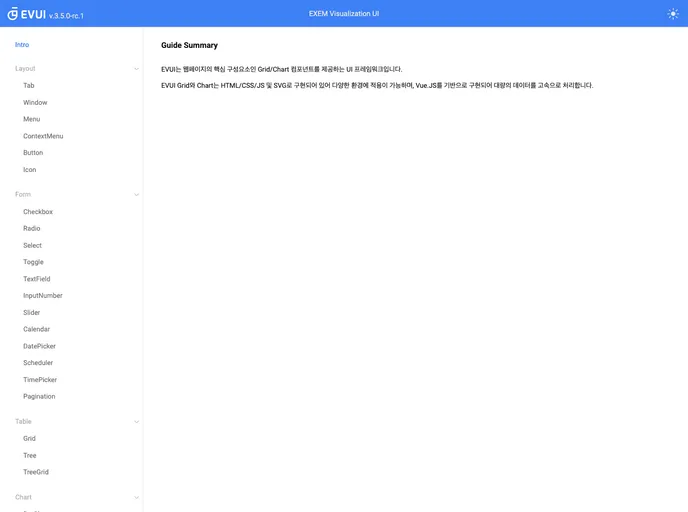
EVUI screenshot

EVUI

Author Avatar Theme by Ex em
Updated: 18 Sep 2025
26 Stars

Exem Visualization UI

Categories

Overview:

EVUI 3.0 is a project setup tool that compiles and hot-reloads the library for product development. It requires Node 12 to run the official documentation locally.

Features:

  • Project setup: EVUI 3.0 provides a convenient project setup tool to get started quickly.
  • Compiles library for product: It compiles and prepares the library for product development.
  • Compiles and hot-reloads for development: EVUI 3.0 supports real-time hot-reloading during development, making the development process smoother.

Installation:

To install EVUI 3.0, follow these steps:

  1. Make sure you have Node 12 installed on your system.
  2. Clone or download the EVUI 3.0 repository from the official GitHub page.
  3. Run the following commands in your terminal:
npm install -g @vue/cli
npm install
  1. Once the installation is complete, you can start using EVUI 3.0.

Summary:

EVUI 3.0 is a project setup tool that simplifies the development process by providing a convenient project setup and hot-reloading feature. It requires Node 12 for installation and is compatible with Vue3 projects. With EVUI 3.0, developers can easily compile and prepare libraries for product development.
