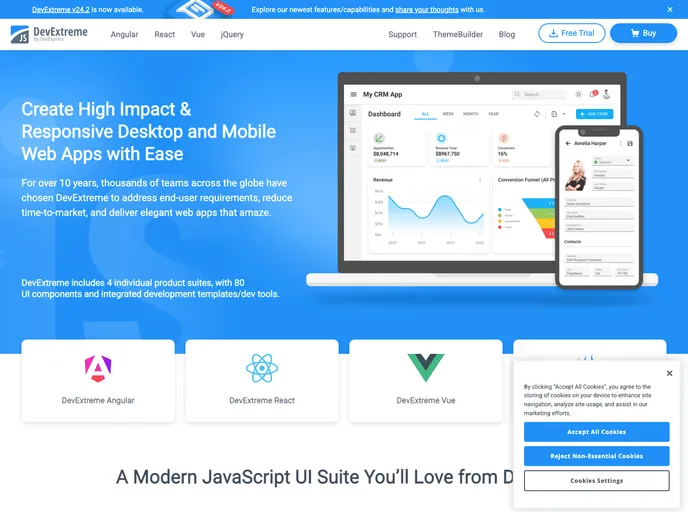
Responsive Application Layout Templates based on DevExtreme Vue Components
The DevExtreme Vue Template is a responsive Vue application that comes with a navigation menu and sample views. It is created using Vue CLI and utilizes DevExtreme Vue components. This template allows developers to quickly get started with building Vue applications with DevExtreme components.
To install the DevExtreme Vue Template, follow these steps:
Install Vue CLI globally, if not already installed:
npm install -g @vue/cli
Create a new Vue project using the template:
vue create my-app
cd my-app
Select the default preset or manually select features as per your requirements.
Once the project is created, install the DevExtreme Vue Template package:
npm install devextreme-vue-template
Start the development server:
npm run serve
Open the application in your browser by accessing the provided URL.
The DevExtreme Vue Template is a convenient starting point for developers looking to build Vue applications with DevExtreme components. It provides a responsive layout, navigation menu, and sample views, saving developers time and effort in setting up the initial structure of their applications. With the extensive collection of DevExtreme Vue components, developers can easily create data-rich and visually appealing applications.

