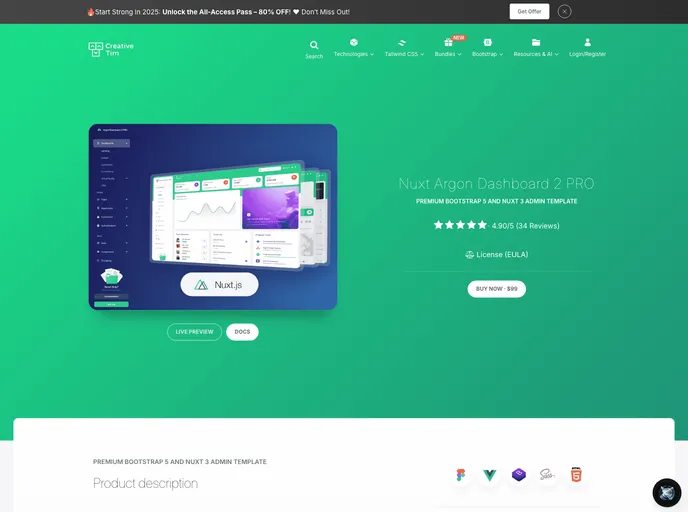
Nuxt Argon Dashboard PRO
The Nuxt Argon Dashboard 2 PRO is an innovative admin template designed for Bootstrap 5 and Nuxt 3. It offers a sleek and modern dashboard with a variety of components that can be easily customized and combined to create visually appealing interfaces. With over 200 frontend elements, documentation, and pre-built example pages, this dashboard provides developers with a seamless development process.
To install the Nuxt Argon Dashboard 2 PRO, you can follow these steps:
git clone https://github.com/username/repository.git
cd repository
npm install
npm run dev
http://localhost:3000
The Nuxt Argon Dashboard 2 PRO is a feature-rich admin template that offers developers a wide range of components, customization options, and pre-built pages for easy and efficient development. With its integration of Bootstrap 5 and Nuxt 3, this dashboard provides a modern and stylish interface that is highly customizable and visually appealing. Its comprehensive documentation and resources make it a valuable tool for developers looking to create amazing projects.

