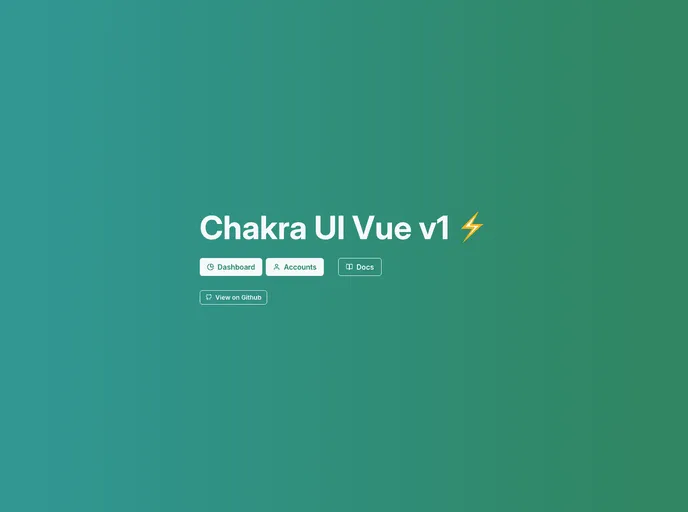
Template for Chakra UI Vue v1 with Typescript, Vite, components auto-importing, layouts, and static site generation.
The Chakra UI Vue - Chidori Starter Template is a template designed for Chakra UI Vue v1 with Typescript, Vite, components auto-importing, layouts, and static site generation. It offers various features such as Vue 3 support, gradients support, CSS Variables support, dark mode readiness, component style overrides, Feather icons readiness, custom component theming API, custom variants, components auto-import, and SSG on Vite. The template is currently built using an alpha release of @chakra-ui/vue-next and can be deployed with Vercel.
To install the Chakra UI Vue - Chidori Starter Template, follow these steps:
Make sure you have Typescript and Vite installed globally on your machine.
Clone the repository or download the template files.
Open a terminal and navigate to the project directory.
Run the following command to install the project dependencies:
npm install
Once the dependencies are installed, you can start the development server by running the command:
npm run dev
Open your web browser and navigate to http://localhost:3000 to see the template in action.
The Chakra UI Vue - Chidori Starter Template is a powerful template for building Vue applications using Chakra UI. It offers a wide range of features and supports the latest technologies such as Vue 3, Typescript, and Vite. The template provides a solid foundation for developing modern and responsive user interfaces with ease. Whether you’re a seasoned developer or just starting with Vue, the Chakra UI Vue - Chidori Starter Template can save you time and effort by providing a well-structured and feature-rich starting point for your projects.

