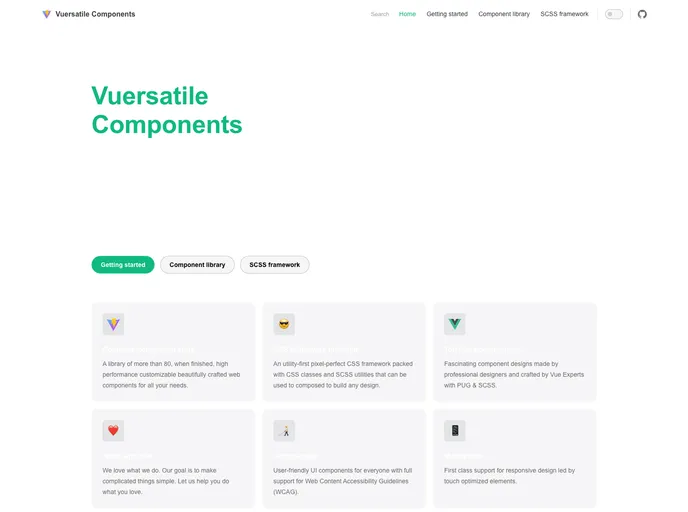
A Vue 3 component library with a CSS framework integrated
“Buy Me A Coffee” is a Vue.js library called Vuersatile Components that offers a versatile range of components for developers to use in their Vue.js projects. These components are designed to be easily customizable and can be used in various applications.
To install Vuersatile Components, follow these steps:
npm install vuersatile-components
After installation, you need to configure the library in your Vue.js project. Vuersatile Components comes with pre-bundled vue-i18n, so you need to pass its options as a parameter to the library configurator. Here is an example of app configuration:
import Vue from 'vue';
import VuersatileComponents from 'vuersatile-components';
import VueI18n from 'vue-i18n';

Vue.use(Vuex);

const i18n = new VueI18n({
  locale: 'en',
  messages: {
    en: {
      // Default messages
    }
  },
});

Vue.use(VuersatileComponents, { i18n });

new Vue({
  i18n,
}).$mount('#app');
Once the library is configured, you can use the components throughout your Vue.js project. Here is an example:
<template>
  <div>
    <v-button>Click me!</v-button>
    <v-input v-model="name" placeholder="Enter your name"></v-input>
    <v-select v-model="country" :options="countries"></v-select>
  </div>
</template>

<script>
export default {
  data() {
    return {
      name: '',
      country: '',
      countries: ['USA', 'Canada', 'UK'],
    };
  },
};
</script>
“Buy Me A Coffee” is a Vue.js library called Vuersatile Components that offers a range of customizable and versatile components for developers to use in their Vue.js projects. The library can be easily installed using NPM and configured with vue-i18n for internationalization support. With Vuersatile Components, developers can enhance their Vue.js applications with professionally designed components.

