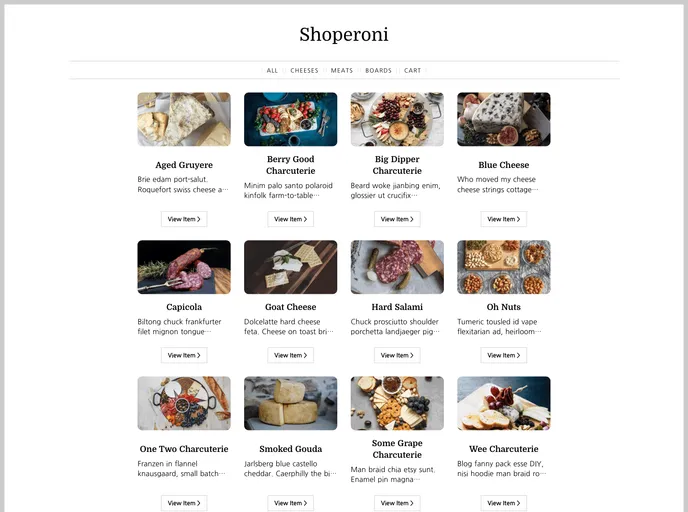
Netlify + Shopify + Nuxt Demo
The Shopify Nuxt Kit is a starter template kit designed for those who want to utilize Shopify’s new Cart API with Nuxt 2 on Netlify. This kit provides developers with a solid foundation to build an e-commerce site using Shopify’s robust features.
To install the Shopify Nuxt Kit, follow the steps below:
SHOPIFY_API_ENDPOINT: Provide the API endpoint of your Shopify store (e.g. https://example.myshopify.com/api/unstable/graphql.json).SHOPIFY_STOREFRONT_API_TOKEN: Add your Shopify Storefront API token.npm install.npm run dev.localhost:3000.For more detailed information on how to work with the Shopify Nuxt Kit and its configuration, refer to the Nuxt.js documentation.
Overall, the Shopify Nuxt Kit provides developers with a convenient and efficient solution for building e-commerce sites using Shopify’s Cart API and Nuxt 2. With its seamless integration, powerful framework, and easy deployment on Netlify, this kit offers a solid foundation for creating high-performing and customizable online stores.

