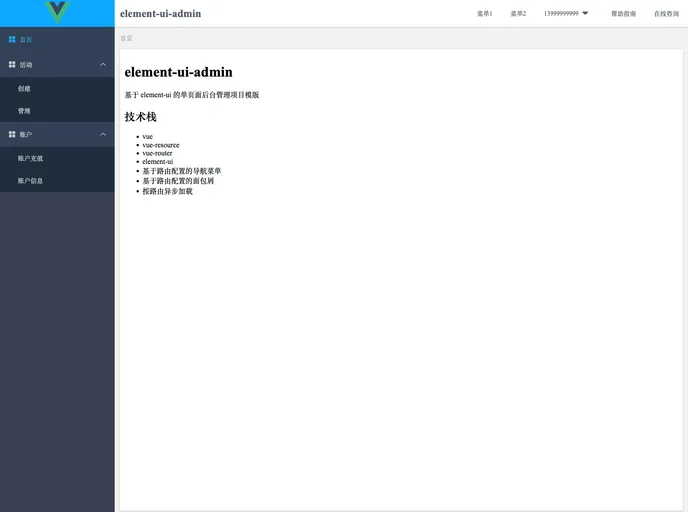
基于 element-ui 的单页面后台管理项目模版
The element-ui-admin is a single-page backend management project template based on element-ui. It is designed to provide a user-friendly interface for managing various aspects of a website or application. The project utilizes the Vue framework along with Vue-router and Vue-resource to handle routing and asynchronous loading. The theme also includes a navigation menu and breadcrumb feature based on route configuration. The template is built using the webpack-driven-web and can be easily installed by following the webpack-driven-web directory instructions. For reference on interface layout, AdminLTE can be used as a guide.
To install the element-ui-admin, follow these steps:
git clone <repository_url>
cd webpack-driven-web
npm install
cp -R element-ui-admin /path/to/destination
npm run dev
The element-ui-admin is a powerful template for creating single-page backend management systems. It provides a user-friendly interface for managing websites or applications and is built using the element-ui library. The template utilizes the Vue framework along with Vue-router and Vue-resource for handling routing and asynchronous loading. With configurable navigation menus and breadcrumbs based on route configuration, the element-ui-admin offers easy navigation and excellent user experience. Installing the template is straightforward by following the provided instructions.

