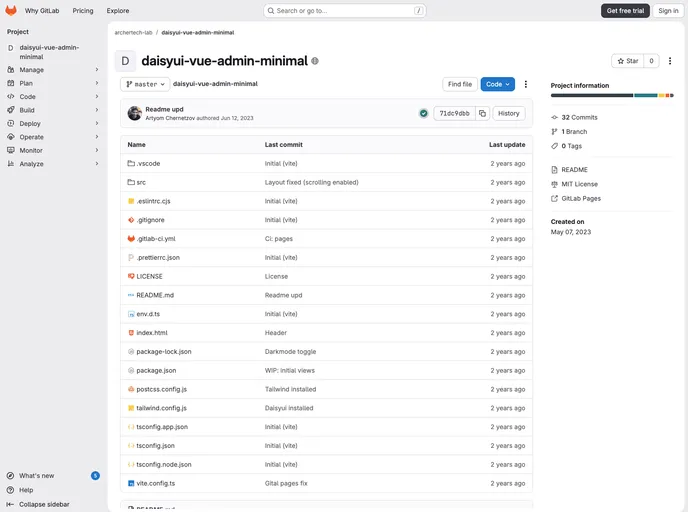
Daisyui Vue Admin Minimal screenshot

Daisyui Vue Admin Minimal

Author Avatar Theme by Achernetsov
Updated: 12 Jun 2023
7 Stars

Minimalistic admin template on Vue and Daisyui. Live demo: https://archertech-lab.gitlab.io/daisyui-vue-admin-minimal/

Categories

Overview

The minimalistic admin template on Vue and Daisyui is a responsive and customizable admin template built using Vue, Vite, Typescript, Vue-Router, and Pinia store. It offers a dark/light theme toggle, a form with tabs implemented using nested routes, and uses Daisyui components for a sleek design. The template also includes initial setup instructions and recommended IDE setup for a smooth development experience.

Features

  • Vue, Vite, Typescript, Vue-Router, and Pinia store
  • Daisyui components for a modern and sleek design
  • Responsive layout for optimal viewing on different devices
  • Dark/light theme toggle for customizable visual preferences
  • Form with tabs implemented using nested routes for organized data display
  • Hero icons for visually appealing and intuitive representation
  • Initial setup guidelines for easy installation
  • Recommended IDE setup for efficient development

Installation

To install the minimalistic admin template, follow these steps:

  1. Clone the repository by running git clone https://github.com/vuejs/create-vue
  2. Install the required dependencies by following the Vite setup guide for Vue: https://tailwindcss.com/docs/guides/vite#vue
  3. Install the Daisyui library by following the installation instructions: https://daisyui.com/docs/install/
  4. Configure the Vite settings according to your project requirements by referring to the Vite Configuration Reference.
  5. Set up compile and hot-reload for development purposes.
  6. Type-check, compile, and minify your project for production.
  7. Lint your code using ESLint for code quality.

Summary

The minimalistic admin template on Vue and Daisyui is a versatile and customizable admin template built for efficient web development. With its responsive layout, dark/light theme toggle, and form with tabs using nested routes, it provides a user-friendly and visually appealing interface. The template includes initial setup instructions and offers a recommended IDE setup for a seamless development experience.
